The internet isn’t only something children look at; it can also help everyday devices communicate. An introduction to the Internet of Things for kids explains how connected devices, such as a smart speaker or watch, can share information online and respond to instructions. Familiar examples make the idea easier to grasp: a device sends a message, receives information, then uses it to do something useful.
It’s natural to wonder how to explain a technical idea clearly without making it feel complicated. Start with connections children already recognize, like video calls, online games, or looking up a video, then show how a connected device joins that exchange. This guide offers simple ways to explain the internet and the Internet of Things, spot connected devices around them, and talk about protecting personal information. The aim is to build curiosity alongside sensible habits, so children can understand what their devices do and make thoughtful choices when using them.
Key Takeaways
- Use familiar comparisons to help children picture how information travels online without starting with technical details.
- Teach children to pause before sharing personal information, clicking unfamiliar links, or responding to someone online.
- Notice how everyday devices connect and exchange information, then invite children to explain what each device does.
- Explore how smart speakers and thermostats respond to instructions and information to perform useful tasks.
- Connect children’s curiosity about connected devices with practical, guided opportunities to learn through building and coding.
Explaining the internet with familiar analogies
Start with a familiar picture: the internet is like a huge library connecting people to information, games, pictures, and videos. When a child searches for a video, they send a request, and the video travels back to the screen.
IoT devices connect to the internet and can share information or respond to it. A computer or gadget may work without that connection, but computers can also be part of the IoT when they connect and exchange information.
There’s no single age to begin. Children under 10 can learn the basic idea through simple analogies, with details matched to what they understand.
- Compare the internet to a library. Invite your child to imagine a library containing videos, games, pictures, and answers. Explain that a tablet or phone can ask for one item, much like asking a librarian for a book. The device sends the request through the internet, and the requested content appears on its screen. Keep the first explanation focused on the request and reply, not cables or servers.
- Use a post office to explain messages. When a child sends a message or clicks a video, explain that the device sends a request across the internet. The requested information returns to the device, similar to a letter reaching its destination and receiving a reply. Ask your child to describe what happened when they opened a video. Their explanation helps connect the analogy to an action they recognize.
- Spot the difference between connected and unconnected devices. Place a tablet beside a simple clock or drawing tool. Ask which one needs the internet to fetch online information. Explain that an IoT device uses a connection to communicate or share information, while a gadget can perform its task without one. Some computers and tablets can also connect, so focus on what the device does rather than its shape.
- Choose examples from your child’s day. A video call with family, a cartoon on YouTube, or an online game shows devices using the internet. Ask what the device sends or receives in each example. For an IoT example, discuss a connected speaker receiving a spoken request. These familiar moments turn an abstract network into a sequence children can describe.
- Create a family online-safety pledge together. Write two clear promises: ask a grown-up before clicking something unfamiliar or talking to someone online, and review privacy settings together. The Be Internet Awesome program advises children to use privacy settings to control what they share. Let each family member suggest a reminder, such as pausing before sharing personal information. Keep the pledge visible near a shared device, then revisit it when a new app or connected gadget enters the home.
Protecting personal information and privacy
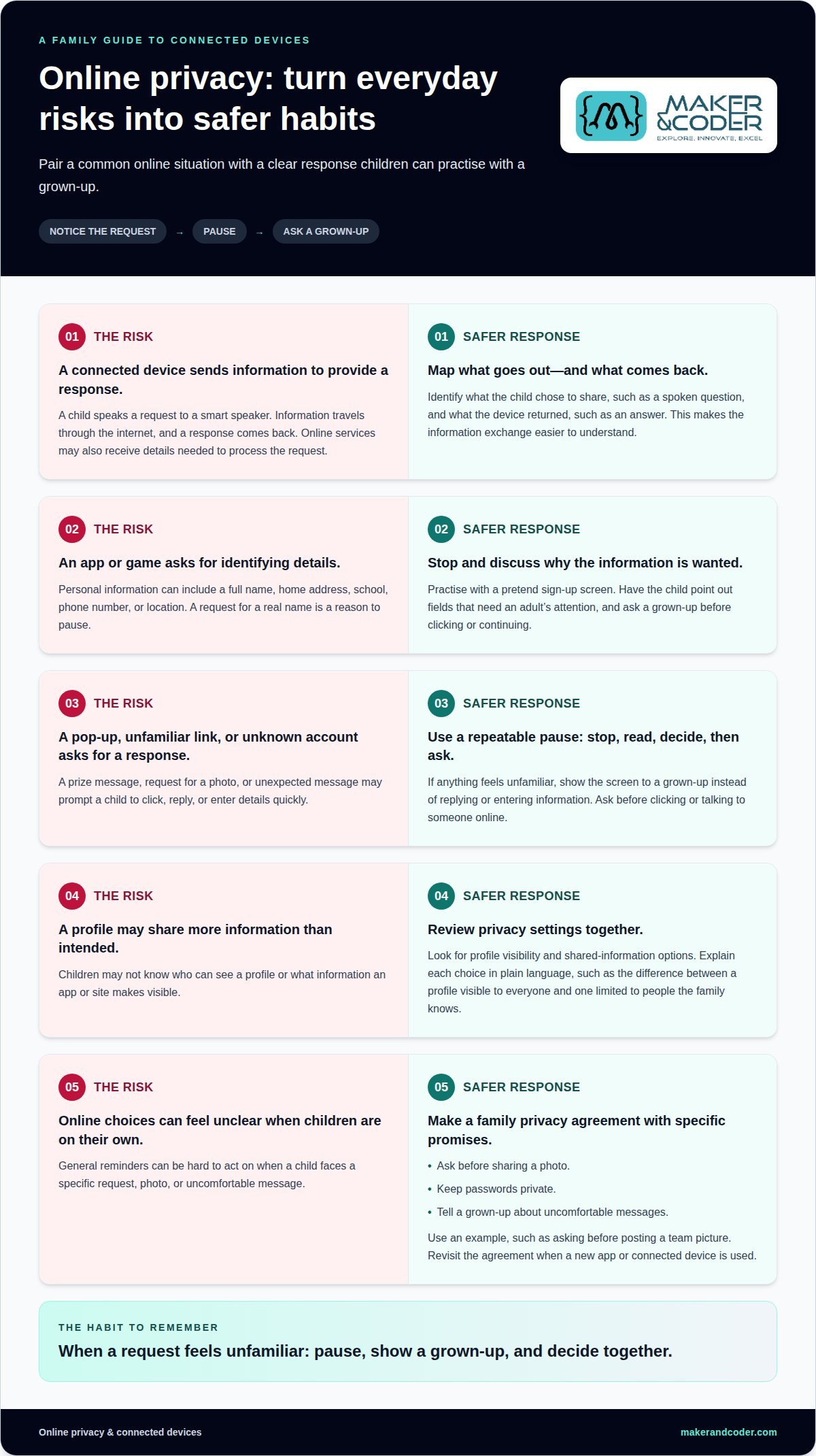
- Map what a connected device sends and receives. Use a smart speaker as an example. A child speaks a request, the device sends information through an internet connection, and a response comes back. Online services may also receive details needed to process the request. Ask your child to identify what they chose to share, such as a spoken question, and what came back, such as an answer. This simple send-and-receive map makes information exchange easier to understand.
- Pause before sharing identifying details. Help children recognize personal information, including their full name, home address, school, phone number, and location. If a game asks for a real name, stop and discuss why it wants that information before continuing. Children should ask a grown-up before clicking something online or talking to someone online. Practise with a pretend sign-up screen, and let the child point out which fields need an adult’s attention.
- Review privacy settings together. The Be Internet Awesome program advises children to use privacy settings on apps and sites to control what they share. Open an app’s settings with your child and look for options related to profile visibility or shared information. Explain each choice in plain language before changing anything. For example, compare a profile visible to everyone with one limited to people the family knows. Make this a shared task, not a test the child has to complete alone.
- Build a pause into online actions. Teach a repeatable sequence: stop, read, decide, then ask if anything feels unfamiliar. A pop-up promising a prize, a message from an unknown account, or a request for a photo can prompt that pause. Ask the child to show you the screen instead of replying or entering details. This helps children treat unexpected requests as a reason to seek guidance, rather than instructions they must follow.
- Write a family privacy agreement. Choose clear promises together, such as asking before sharing a photo, keeping passwords private, and telling a grown-up about uncomfortable messages. Add a specific example beside each promise. “Ask before posting a team picture” is easier to act on than “be careful online.” Put the agreement near a shared device, and revisit it when your child starts using a new app or connected device. Invite children to suggest reminders they can follow themselves.
The internet as a connecting web
- Draw the connection as a web. Put a phone, tablet, and computer on paper, then connect them with lines. Explain that the internet links devices and networks around the world so they can communicate and share information. The drawing is a model, not a map of every physical connection. Ask your child to add a tablet in another country and show how it could send information to a nearby device.
- Trace one message through the web. Choose an example, such as sending a photo to a relative. Draw an arrow from the sender’s phone to the internet, then another arrow toward the recipient’s phone. Explain that connected networks help move information between devices. The exact route can vary, so avoid suggesting that every message follows one fixed path. Ask your child to point out where the message begins and where it arrives.
- Show how one device can reach another. Imagine a child using a tablet to share a drawing with a family member’s computer. Both devices connect through the internet, even if they’re in different homes. The tablet sends information, and the computer receives it. Have your child describe each device’s role: sender, receiver, or both. This turns “connected” into an action they can identify and explain.
- Build a classroom connection map. Start with a classroom computer, then add a teacher’s tablet and a connected sensor as examples. Draw lines to show how each could communicate through an internet connection. Label the information that might travel, such as a message or sensor reading. Keep the map focused on information flow, not the technical equipment behind it. Invite children to add arrows showing which device sends and receives each item.
- Compare a connected web with a single route. Use two paths on paper to show how information may travel through linked networks. If one drawn path is crossed out, ask your child to trace another possible route. Explain that the internet is made of connected networks, rather than one central machine handling everything. Keep the model simple: the lesson is that devices communicate across connections, not that children need to memorise network hardware.
- Ask children to explain a connection aloud. Pick a familiar device, such as a phone sending a message to a tablet. Prompt them to name the starting device, the information being shared, and the receiving device. Then ask what might happen if either device loses its internet connection. Their explanation shows whether they understand the web as a link between devices, rather than as a screen or a single app.
How do smart home devices like speakers and thermostats work?
- Start with a speaker’s command-and-response sequence. Ask a smart speaker a simple question, such as “What time is it?” The speaker receives spoken input through its microphone. Depending on its design, it processes the request itself or uses an internet service. Then it produces a response through its speaker. Have your child name the input, processing step, and output. This shows how a connected device can turn an instruction into an action.
- Explain the speaker as a connected assistant, not a person. A smart speaker responds to supported commands, but it doesn’t understand situations exactly like a human. For example, “play music” is an instruction the device can interpret and act on. The speaker may communicate with an online service to fulfil a request. Ask your child what the device needs to receive and what response it gives. This separates a device’s programmed function from human understanding.
- Use a thermostat to demonstrate sensing and response. A thermostat measures the room’s temperature and compares it with the chosen setting. If the room is cooler than the set temperature, it can signal the heating system. If it’s warmer, it can signal the cooling system. Explain that the thermostat senses a condition, follows a rule, then triggers an action. Draw those stages and ask your child to put “room temperature” at the beginning.
- Show where the internet adds a connection. A connected thermostat can communicate with an app or online service, allowing someone to adjust settings remotely. For example, a caregiver could change the home’s temperature using a phone outside the house. The thermostat still uses its temperature reading and setting to guide its response. Ask your child to trace the information: phone instruction, internet connection, thermostat, then heating or cooling system.
- Compare a connected device with a standalone one. A basic thermostat can control heating without communicating online. A connected version adds communication with other devices or services. Similarly, a speaker can play sound without being a smart speaker, while an internet-connected speaker can respond to digital commands. Invite your child to identify which part performs the task and which enables communication. This makes clear that internet access is a feature, not the device’s entire purpose.
- Make a simple input-to-action diagram. Choose an example, such as a spoken request to a speaker or a temperature reading from a thermostat. Draw four labels: input, connection or processing, decision, and action. For the thermostat, the input is the room temperature, the decision compares it with the setting, and the action signals heating or cooling. Have your child explain each stage aloud. The diagram shows how sensing, communication, and programmed responses work together.
What are the benefits of the Internet of Things?
- Identify a repeated task an IoT device can simplify. A connected light can respond to a chosen instruction, rather than requiring someone to reach its switch. A thermostat can use a selected setting to guide heating or cooling. Ask a child to name a routine at home, then consider whether a connected device could help with one part of it. Focus on the task it performs, not on claims that technology makes every routine effortless.
- Explore how connected devices can make information easier to use. A thermostat reading can show whether a room is warmer or cooler than its setting. Depending on its design, a connected device can share readings with another device or service. Invite children to describe what someone could do with that information. For example, a person might adjust a setting after seeing a room reading. The benefit comes from turning a reading into a useful choice.
- Notice how remote access changes where an action can begin. A connected thermostat paired with an app may let someone adjust its setting from a phone. The instruction can start away from the thermostat itself. Ask children to map the sequence: phone, internet connection, thermostat, then the chosen setting. This shows how connected devices can support control across locations, while making clear that the device and its setup determine what actions are possible.
- Look for ways connected devices can support access. A smart speaker can let someone use a spoken command instead of selecting an option on a screen. For a person who finds small controls difficult, voice input may offer another way to interact. Ask children to compare saying “play music” with tapping through a menu. Discuss how different input methods can help different people, without assuming one design suits every user or situation.
- Turn an IoT example into a learning activity. Choose a familiar device, such as a thermostat, and have children identify its input, rule, and response. The input could be a room reading; the rule compares it with a selected setting; the response signals heating or cooling. Ask learners to change one part in a drawing and predict the result. This activity builds logical thinking by connecting a device’s information to its action.
- Evaluate a connected device by the problem it solves. Pick a real example, such as a speaker responding to a request or a thermostat sharing a reading. Ask what becomes easier, what information the device needs, and whether the task could happen without internet access. This comparison helps children see IoT as a tool with a purpose, rather than technology added for its own sake. Invite them to suggest a useful connected-device idea and explain its benefit.
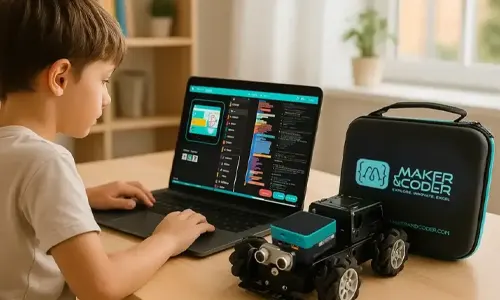
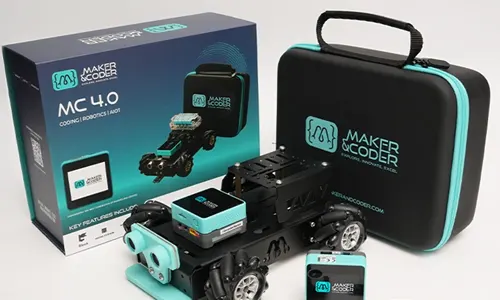
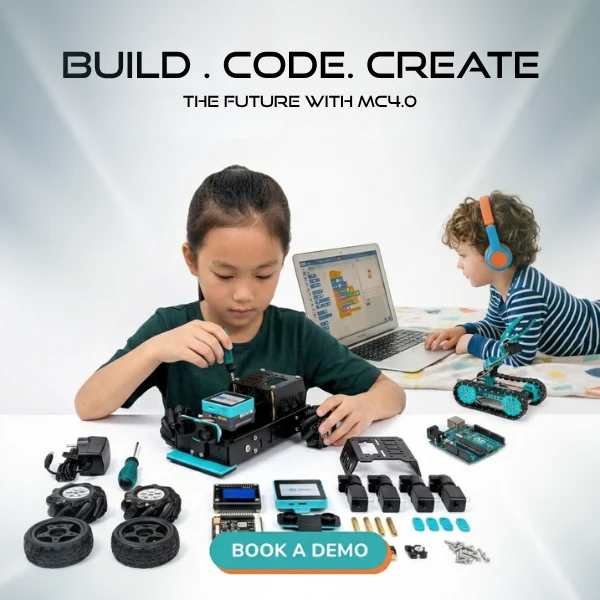
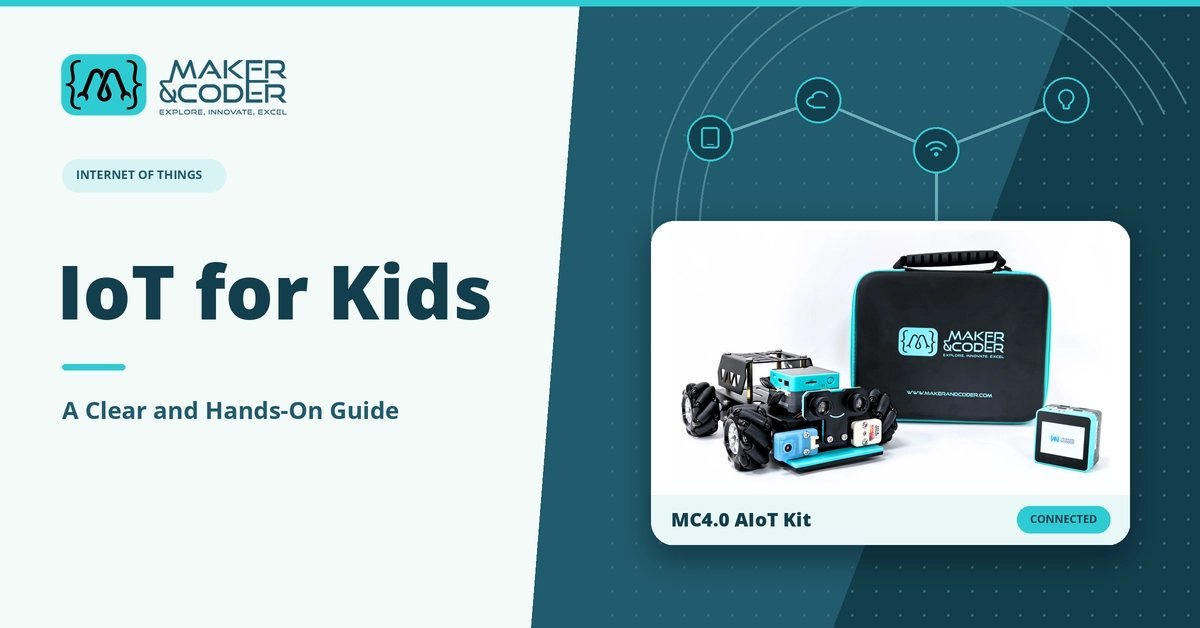
Maker & Coder: MC 4.0 Kit
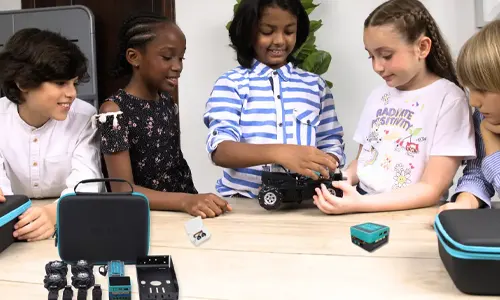
Maker & Coder helps turn children’s curiosity about connected technology into structured learning with the MC Curriculum (K-12). For learners ready to move from observing devices to exploring how technology works, MC Blocks provides a coding-based way to develop ideas step by step. Teachers can use Teacher Training Programs to build confidence introducing these concepts in learning settings.
This pathway can suit families and educators looking to extend an introduction to the Internet of Things for kids through guided, practical activities. Begin with the questions raised in this guide, then choose learning activities that help children connect instructions, code, and outcomes. Visit makerandcoder.com or contact Maker & Coder to explore the learning options.
Turn curiosity into a connected-device idea
Let a child take the next step: imagine a device that could improve an everyday task. An introduction to the Internet of Things for kids can grow into a creative design challenge, where learners move from noticing a need to sketching a possible solution. They might invent a plant monitor that tells someone when a pot needs attention, or a classroom device that helps organize shared materials.
Ask them to explain what the device would notice, what it should do, and where a person should make the final choice. These questions encourage thoughtful design, not just interest in technology. A simple drawing or conversation can become the starting point for exploring how connected systems are planned and built.
When you’re ready to support that next learning step, contact Maker & Coder to discuss your goals. Keep asking, imagining, and creating. A child’s next big idea can begin with one everyday observation.
Frequently Asked Questions
How do IoT devices connect to the internet and share data?
Most home IoT devices connect through a wireless router, while some use a wired network or another connection method. The device’s software determines what information it sends and which service or device receives it. For example, a connected sensor might send a reading to its companion app. Check the device’s setup guide to learn which network it needs and what account setup is required.
What are everyday examples of IoT devices for kids?
Examples include a smart plug, a connected fitness band, and a networked printer. A smart plug can let someone control a lamp through an app, while a fitness band may record activity for later viewing. A networked printer can receive a print job from another device. Ask children to compare each device’s main task with the extra feature its connection enables.
What are the risks of IoT devices, including privacy and security risks for children?
Weak account security can make connected-device accounts easier to access without permission. A reused password, for example, can create exposure if it is revealed elsewhere. Devices may also have settings or software that need attention over time. Adults can reduce avoidable risks by choosing unique passwords, limiting account access, and reviewing manufacturer guidance for security and maintenance.
How can kids use IoT devices safely and protect personal information?
Set up a device together before a child uses it independently. Use a parent-managed account where available, choose a unique password, and review permissions for its companion app. Agree on which household members may control the device. For a connected camera, decide together where it belongs and when it should be switched off. These routines make device use predictable and give children clear boundaries.
What are fun beginner IoT projects for kids, and what supplies do they need?
A simple connected-light project can teach inputs and outputs. A beginner may need a programmable controller, a compatible light sensor or button, an LED, connecting wires, a computer, and coding software. First, make the light respond locally to a button. Then explore sending a status message through an internet connection, following the controller’s instructions and adult guidance for setup.
How much do beginner IoT kits for kids cost in the United States?
Kit contents and learning resources can differ, so compare the named components and included guides with the project a learner wants to try. For instance, check whether the kit includes the type of controller or sensor needed for that activity. This helps families assess suitability alongside the listed price.