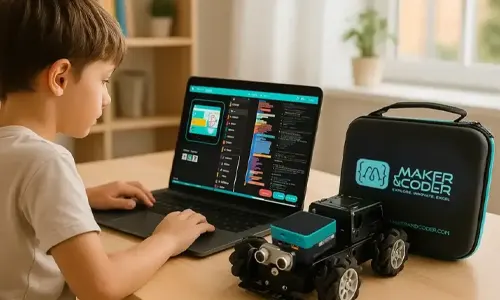
Robotics becomes easier to understand when students can see their code move a machine. MC4.0 Robotics Kits connect programming with hands-on robot projects, using a controller, motors and sensors that respond to code. The base kit supports Scratch, Python and C++ with Arduino IDE, and includes ultrasonic and line-follower sensors.
Learning a coding concept on screen is one thing; using it to control a robot, respond to its surroundings and improve a build makes the idea tangible. Hands-on projects give learners room to experiment, troubleshoot and create.
Explore what the kits cover and how coding languages, robotics components and project work fit together. This article explains how students can progress from writing simple instructions to controlling movement and using sensor input, with examples of the skills each stage can develop. You’ll also see how structured curriculum and teacher training can support learning in classrooms and other educational settings.
Key Takeaways
- Connect code to visible robot actions by exploring how motors and sensors respond to student instructions.
- Compare Scratch, Python and C++ with Arduino IDE to understand different ways learners can program a robot.
- Use project work to practise planning, testing and refining a robot’s movement and responses.
- Consider how the MC Curriculum (K-12), MC Blocks and Teacher Training Programs can support structured learning and teaching.
MC4.0 Robotics Kits
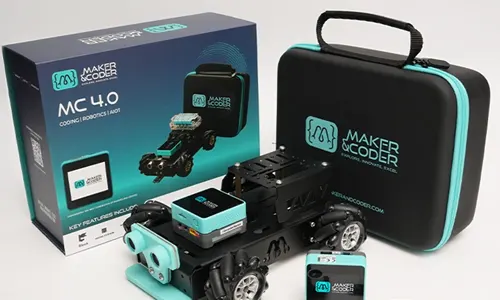
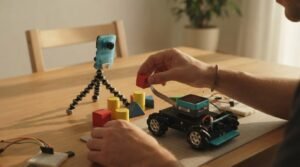
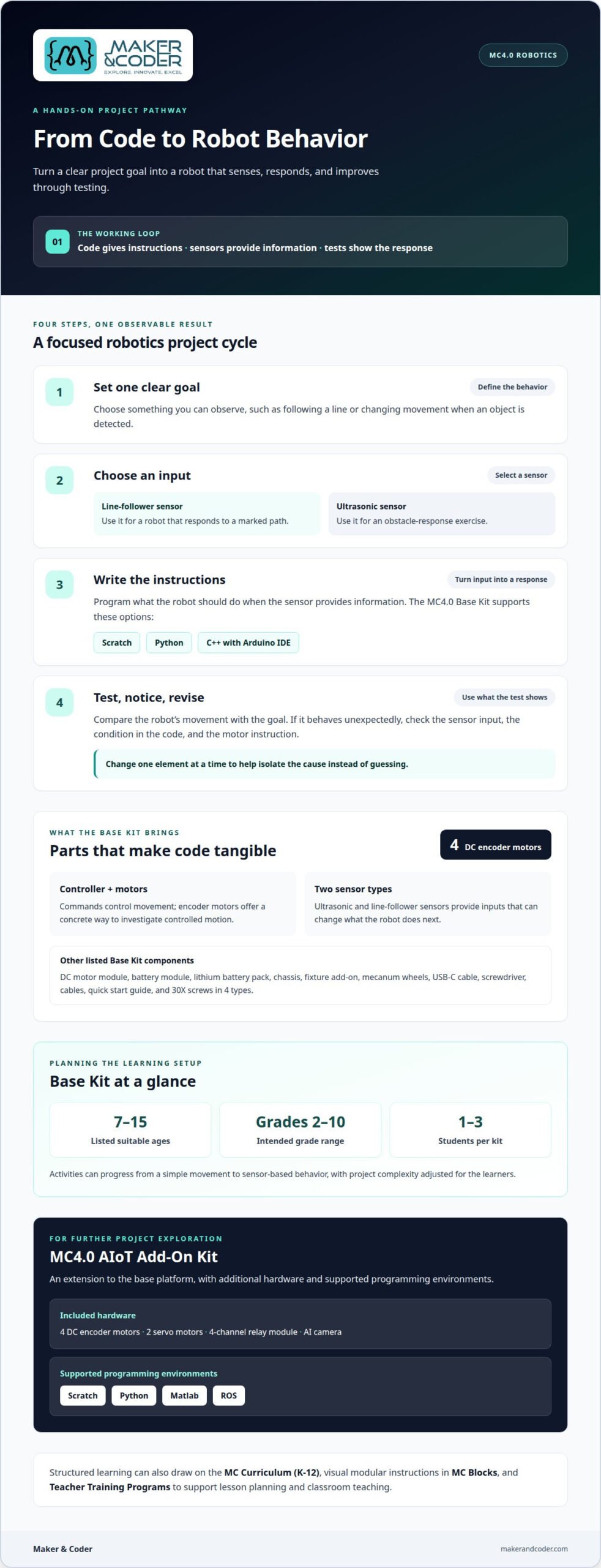
A robotics kit connects programming decisions to physical movement. In an MC4.0 Base Kit, students can work with a controller, four DC encoder motors, an ultrasonic sensor and a line-follower sensor. Those parts make coding visible: a command can move the robot, while sensor input can change what it does next.
The learning sequence can begin with a simple movement task. Students write instructions, run the robot, then adjust the code when it turns too far or stops too late. The four encoder motors give learners a concrete way to investigate controlled movement, while the two sensors introduce responses to the robot’s surroundings. Each test gives students evidence to use in their next revision.
Connect programming languages to robot behavior
The Base Kit supports Scratch, Python and C++ through Arduino IDE. Scratch lets beginners arrange visual blocks into instructions, such as moving forward before turning. Python and C++ let learners work with text-based code and develop a different view of programming structure. The same project goal can become a useful comparison: how does each language express movement, timing or a condition?
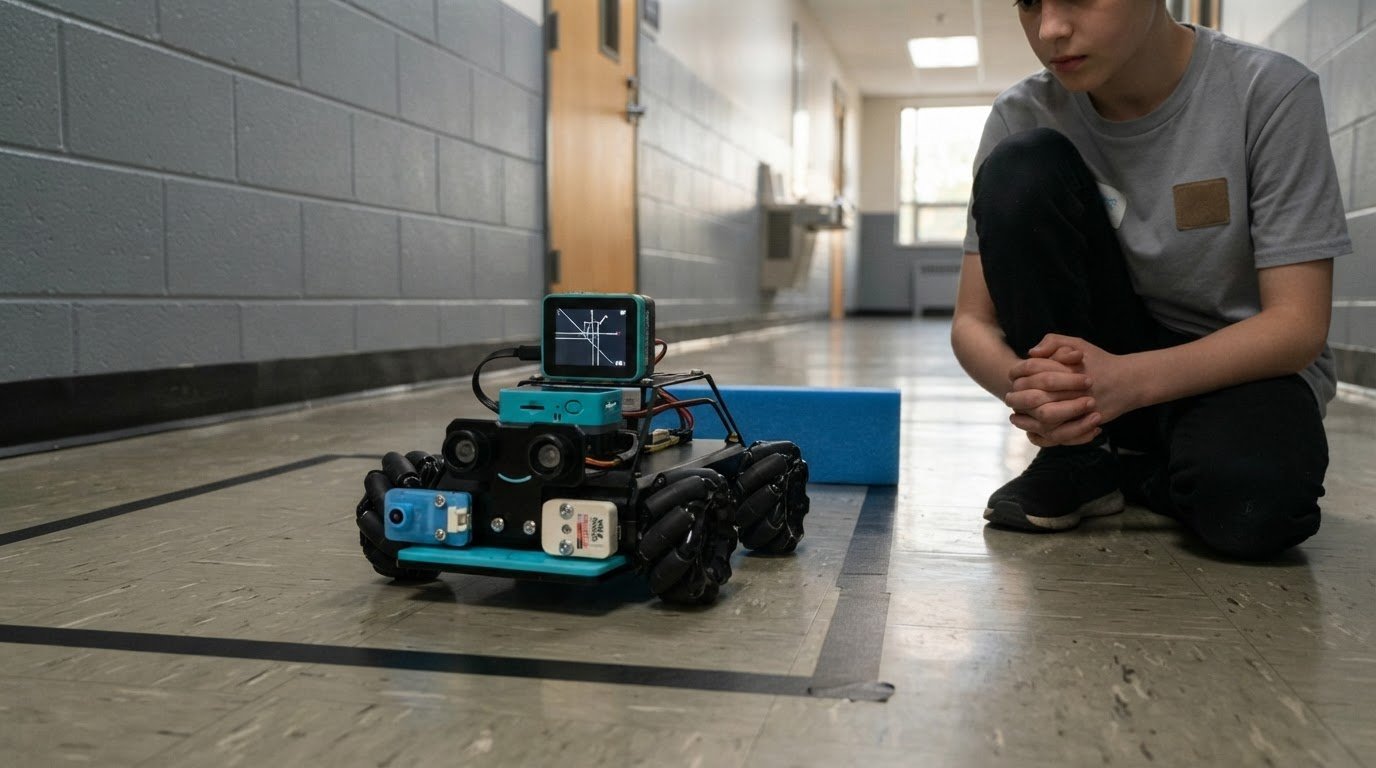
For example, students can build a line-following task using the line-follower sensor. First, identify what the sensor detects. Next, program the robot to respond to that input. Then test it on a route and revise the instructions if its movement differs from the intended path. This sequence connects a sensor reading to a decision and then to motor behaviour.
Move from components to complete projects
A kit’s value becomes clearer when students connect its parts to a defined challenge. The ultrasonic sensor can support an obstacle-response exercise: program a robot to change its movement when an object is detected. The line-follower sensor offers another project direction, where learners adjust instructions to keep the robot on a marked path. These examples turn sensors from isolated components into inputs for code.
Use a repeatable project cycle to keep the work focused:
- Set a goal. Define one observable behavior, such as following a line or responding to an obstacle.
- Choose an input. Select the line-follower or ultrasonic sensor based on the challenge.
- Write instructions. Use Scratch, Python or C++ with Arduino IDE to describe the robot’s response.
- Test and revise. Observe what happens, identify a mismatch and change the relevant code.
This cycle gives students a practical reason to debug. If the robot does not turn when expected, learners can examine the sensor input, the condition in their code and the motor instruction. Changing one element at a time helps them isolate the cause instead of guessing. A 3D simulation option can also bring a visual model into project work, giving students another way to engage with a design.
For more advanced project exploration, the MC4.0 AIoT Add-On Kit extends the base platform. It includes four DC encoder motors, two servo motors, a four-channel relay module and an AI camera. Its supported programming environments include Scratch, Python, Matlab and ROS. This creates scope for work beyond basic movement, while giving educators a distinct option for learners ready to explore additional hardware.
Age guidance helps educators match the starting point to the learner. The MC4.0 Base Kit is listed as suitable for ages 7 to 15, so project complexity can be adjusted across that range. Younger learners might focus on sequencing a clear movement, while older students can compare languages or refine sensor-based behavior. A fixed number of lessons isn’t the only way to structure progress: projects can build from one working instruction to a robot that senses, decides and acts.
The connection is straightforward: code gives the robot instructions, sensors provide information, and testing shows how the system responds. Working through this loop helps students move from following examples to making deliberate changes to a project.
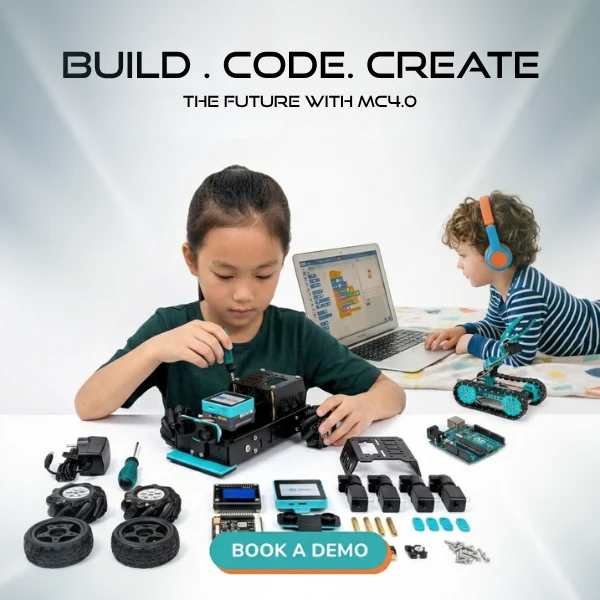
The Maker & Coder MC4.0 Base Kit includes 4 DC encoder motors and 30X screws, with screws in 4 types. Its components include a controller, quick start guide, DC motor module, battery module, lithium battery pack, chassis, fixture add-on, encoder motors with mecanum wheel, line follower sensor, ultrasonic sensor, USB-C cable, screwdriver and cables.
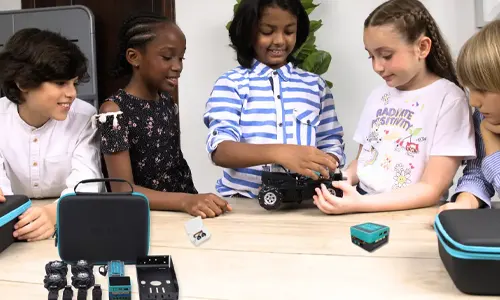
The Maker & Coder 4.0 Base Kit is intended for grades 2-10 and designed for 1-3 students per kit. This makes it possible to plan activities for individual learners or small groups, using the included components to build and test robot behaviors together.
Maker & Coder: MC 4.0 Kit
Maker & Coder’s MC 4.0 Kit is a practical next step for learners ready to turn coding concepts into working robotics projects. To build a more structured pathway, the MC Curriculum (K-12) connects learning activities with progressive development, while MC Blocks support programming through visual, modular instructions.
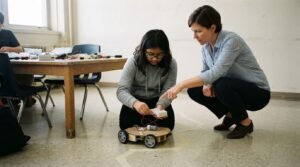
Teachers can use these resources to shape lessons around a clear progression: introduce a coding concept, apply it through a robot task, then invite students to refine their approach. Teacher Training Programs can help educators prepare to guide that process and bring hands-on robotics activities into their teaching. Together, the curriculum, coding blocks and training address both classroom planning and student practice.
Explore the MC 4.0 Kit and related learning resources, or contact Maker & Coder to discuss your educational needs.
FAQs
How should educators choose components for a robotics activity?
Start with the behaviour students need to create. Then choose components that let them observe an input and produce a clear response, keeping the task focused on one learning goal.
How can students progress between programming options?
Match the coding approach to learners’ experience and the project’s complexity. A new task can give them a reason to explore more detailed instructions or reorganise a program.
What makes a robotics project useful for learning?
Set a visible success criterion, such as completing a route or responding to a cue. Ask students to explain which changes helped the robot meet that goal.
How can teachers organize robotics work in class?
Give learners clear responsibilities, such as planning, programming and observing results. Rotating these roles lets each student take part in different stages of the build and explain the team’s decisions.
Explore MC4.0 Robotics Kits with Maker & Coder
Maker & Coder provides a STEM education ecosystem built around the MC 4.0 hardware platform and modular MC Blocks. If you are comparing MC4.0 Robotics Kits for technical learning, its lineup includes the MC4.0 Controller and Base, AIoT, and STEAM kits.
For a structured learning pathway, Maker & Coder also offers an MC Curriculum for K-12 designed to integrate with its hardware.