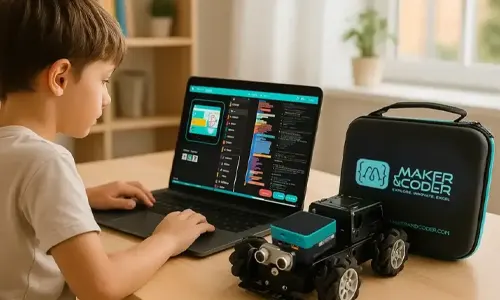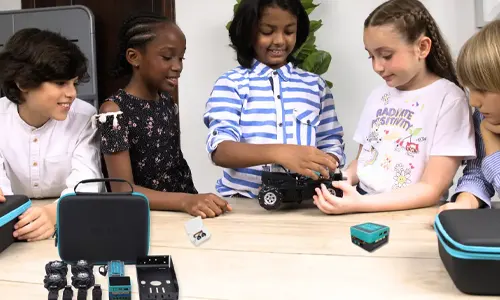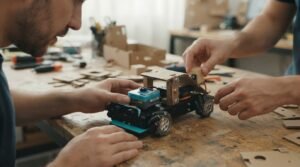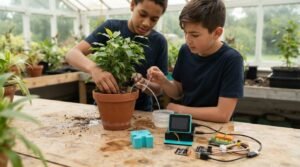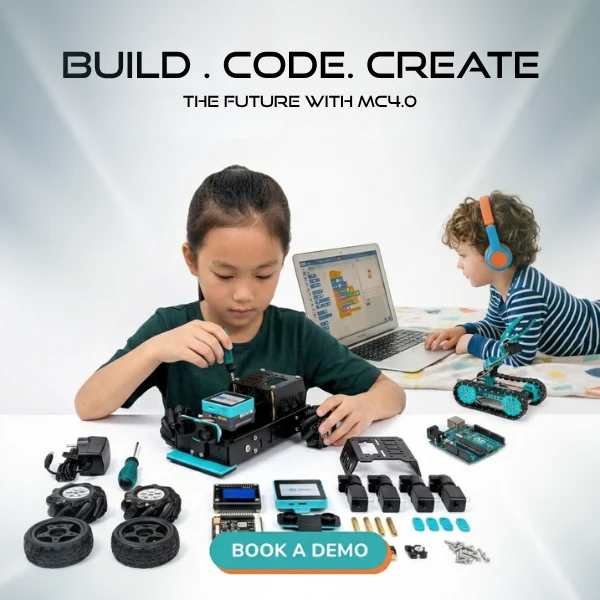
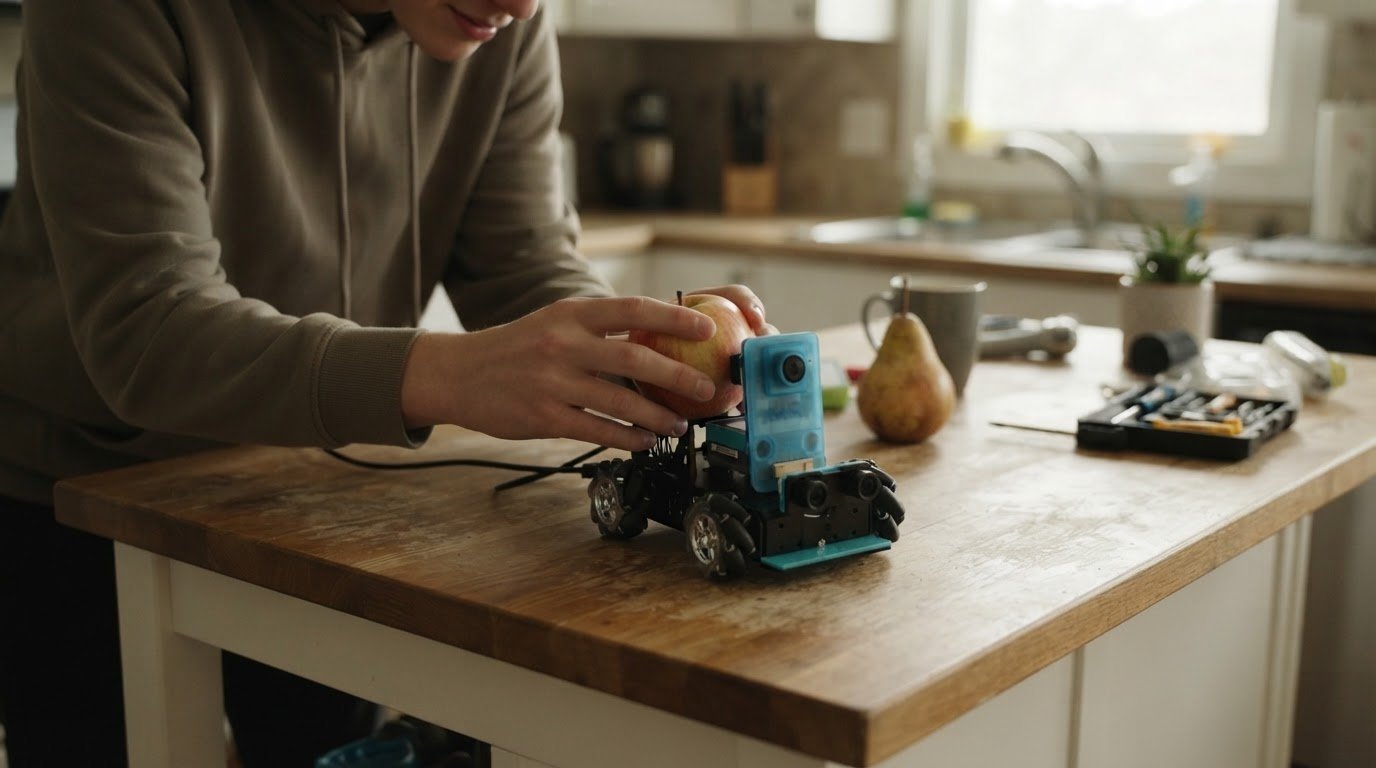
The most impressive AI kit isn’t always the one that builds lasting understanding. For parents, the real challenge is turning a weekend project into skills a student can use again. The Best AI Education Kits encourage learners to experiment, study results, and create new projects.
A kit can spark curiosity, but learning continues through what happens after the first activity. Students need a clear path from guided coding to practical AI experiments. Parents and educators also benefit from curriculum and resources that help turn projects into meaningful learning.
This guide compares 10 AI education kits by coding options, hands-on experiments, educator features, and modular hardware. You’ll see how those differences shape the experience, from beginner-friendly activities to projects involving Python, machine learning, and physical devices. Use the comparison to identify a kit that fits the learner’s experience and supports continued exploration beyond the first build.
Key Takeaways
- Match the coding approach to the learner: visual blocks can build confidence before a move toward Python.
- Look for experiments that let students train, test, and improve an AI model, not just follow a one-time activity.
- Choose learning materials that progress from guided steps to troubleshooting and open-ended projects.
- Consider whether modular hardware can support new builds as learners develop their coding and AI skills.
- Use hands-on projects to connect machine learning, robotics, and computer vision with familiar AI applications.
Block-based coding and Python
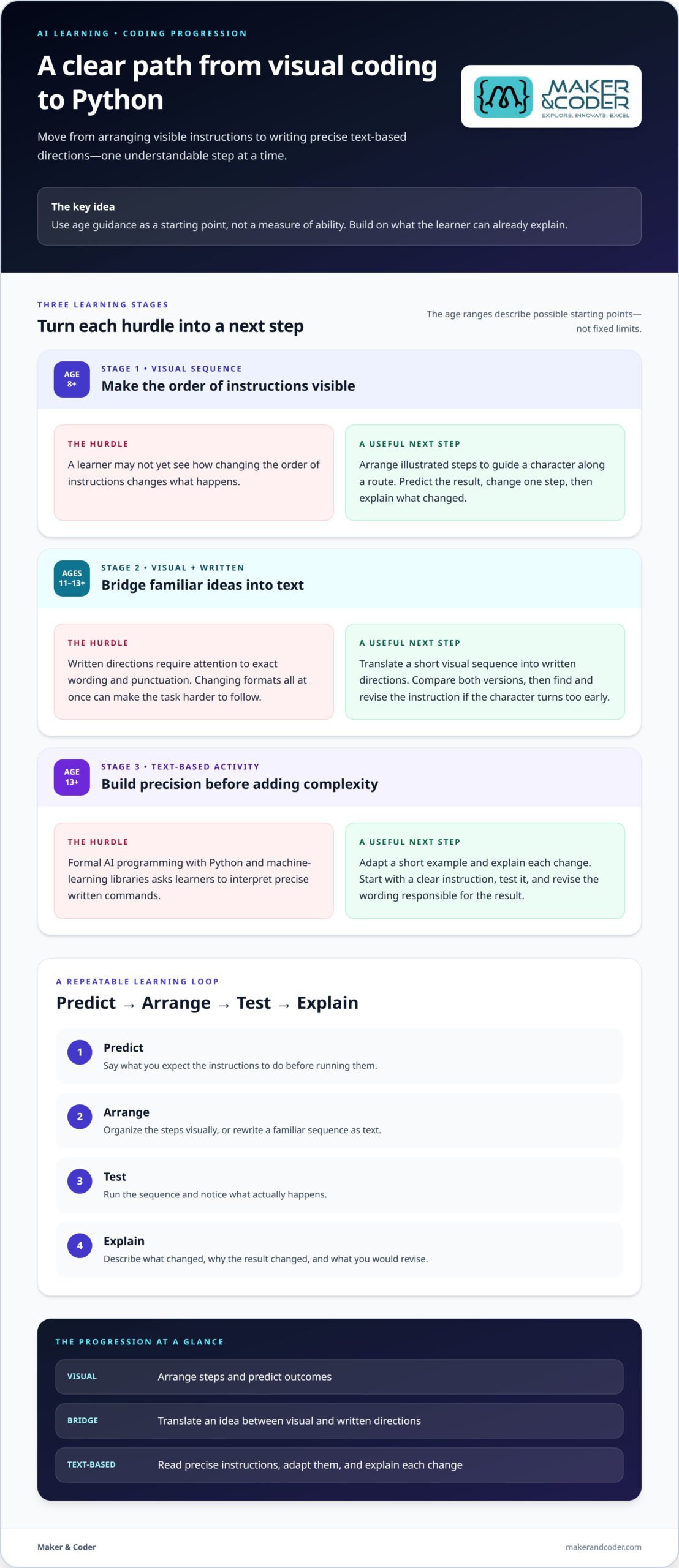
Choose an activity format that suits how a learner reads, organizes, and expresses instructions. Visual sequences can make order and cause easier to follow, while text-based tasks require learners to interpret precise written commands. Moving between formats helps students represent ideas in different ways. Encourage them to explain what they expect, notice what happened, and describe a change clearly.
For a visual-first activity, a learner might arrange illustrated steps to guide a character along a route. Ask them to predict the result before running the sequence. Then change one step and compare the outcome. This makes the order of instructions visible and gives students a concrete way to explain why the result changed.
Text-based activities ask learners to pay close attention to exact wording and punctuation. To make the transition, translate a short visual sequence into written directions, then compare the versions. If the character turns too early, invite the student to find and revise the instruction responsible. This builds precision without requiring them to manage several new ideas at once.
Use age guidance as a starting point, not a measure of ability. Visual block-based coding can be introduced from age 8 onward; formal AI programming with Python and machine-learning libraries is described as accessible from age 13 onward. For learners around ages 11-13+, a gradual introduction to text can bridge those stages, especially when students already understand sequence and cause.
| Activity format | Starting point | Learner focus | A practical next step |
|---|---|---|---|
| Visual sequence | From age 8 onward | Arrange steps and predict outcomes | Change one step and explain the result |
| Mixed visual and written directions | Around ages 11-13+ | Translate an idea between formats | Compare the two versions for clarity |
| Text-based activity | Formal AI programming from age 13 onward | Read precise instructions and revise them | Adapt a short example and explain each change |
Try a simple progression: predict, arrange, test, and explain. A learner can describe a route, organize its steps visually, and then rewrite the directions as text. Ask what changed and why. This keeps the focus on clear reasoning while allowing the challenge to grow as confidence develops.
When choosing a kit, consider whether its learning pathway can support that change in format. An AIoT add-on kit may suit a later project stage; connect the selection to the learner’s experience and the intended activity.
Connecting kit experiments to everyday AI
A family activity doesn’t have to end when the kit is packed away. Invite a learner to notice digital tools in everyday routines, such as a suggested song, a photo filter, or a response from a voice assistant. Keep the discussion grounded in what the child can observe: What did the tool do? Was the result helpful? What would they change?
Use a familiar example to encourage thoughtful observation. If a music app suggests a song, ask whether it matches the listener’s mood or interests. The learner can describe what they noticed without knowing how the app works. This shifts the conversation from accepting a result to reflecting on how technology shapes everyday choices.
Try a short routine after a kit activity. Ask the learner to name a digital tool they encountered that day, describe what it helped them do, and decide whether its suggestion was useful. A family member can offer a different perspective. These conversations help children express their experiences and develop thoughtful habits around the tools they use.
- Notice a digital suggestion, such as a recommended song or video.
- Describe the result and whether it suited the situation.
- Consider what information or preference may have influenced it.
- Discuss whether the result should be followed, ignored, or questioned.
For parents, curiosity matters more than having every answer. If a child wonders why a photo app changes an image, explore the effect together and discuss what feels useful or surprising. Keep personal details private, and give children space to ask questions before sharing images or voice recordings with digital services.
Small conversations can turn a one-time kit activity into an ongoing family habit. A learner might keep a notebook of digital tools they notice, with a brief comment about each experience. Over time, these observations can prompt new questions and help children make more intentional choices about technology.
To discuss learning options that connect hands-on activities with classroom goals, talk with Maker & Coder.
Educator-focused AI teaching kits
For educators, a useful teaching kit should fit classroom routines as well as lesson objectives. Consider how learners will begin, what materials they will handle, and how they will show what they understand. A teacher guide can clarify preparation, instructions, and reflection while leaving room for the educator’s judgment.
Before a lesson, define one outcome students can explain in their own words. For example, ask learners to describe a choice they made, what happened next, and what they would change. A clear outcome gives the activity direction and helps teachers distinguish participation from understanding.
Plan for different ways to participate. One learner might prefer written instructions, while another may benefit from discussing each step with a partner. A useful classroom resource lets educators adapt pacing, group work, and explanations while keeping the learning goal consistent.
Consider these classroom planning questions:
- Preparation: Can the teacher understand the activity before presenting it?
- Participation: Can students work individually, in pairs, or as a group?
- Reflection: Does the activity leave time for learners to explain their choices?
- Adaptability: Can educators adjust the pace or instructions for their class?
There is no single price for classroom kits. Costs vary by product and purchasing arrangement, so compare the specific kit contents and consider whether the learning resources and support match your classroom needs.
Privacy and safety deserve a place in lesson planning. Set clear classroom expectations for sharing personal information, taking photographs, and recording voices. For group activities, use fictional examples rather than identifiable details about students. These boundaries help learners participate without making personal information part of the exercise.
Educators looking for structured support can consider the MC Curriculum (K-12) and Teacher Training Programs. These offerings are relevant when a school wants a planned learning pathway or support for teachers preparing classroom activities. Fit matters: select the approach that aligns with educators’ goals and the needs of their learners.
As a final planning step, decide how students will reflect on the activity. A short written response, partner discussion, or learner-created explanation can show what they understood and what needs more attention. Use that reflection to shape subsequent lessons around the class, rather than treating each activity as a standalone event.
Modular kit hardware
Modular hardware lets learners change a build without replacing the entire system. A motor, sensor, or controller gives a project a distinct role: a sensor gathers input, code interprets it, and a motor can produce movement. Students can examine each stage separately, then reconnect the parts to understand how a physical project works. That flexibility matters when activities move from a basic build to a more complex design.
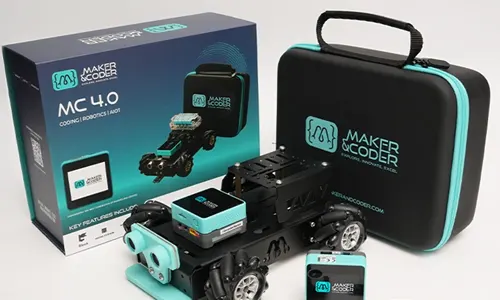
One kit’s listed contents include one double motor, one single motor, one color sensor, one controller, two connection cards, and one USB charging cable. These parts suggest several possible learning roles. Students can use motors to create movement, examine how a color sensor contributes input, and connect components through the cards. The kit’s instructions and software determine how those parts are programmed, so component lists alone don’t explain the full learning experience.
Consider a simple moving device. First, learners identify the controller as the part that runs the program. Next, they connect a motor and write instructions for movement. Then they add a sensor and explore how its input changes the response. Each addition raises a useful question: What does this part contribute, and what changes when it’s removed?
Before choosing modular hardware, compare the kit’s components with the projects learners hope to build. A parts list can show whether activities involve sensing, movement, or both. Also examine how components connect and whether lessons explain their functions. A collection of pieces is most useful when students can connect each component to a specific task and test its effect.
Compatibility with Chromebook, Windows, Mac, Raspberry Pi, or Arduino depends on the particular kit’s software, connection method, and programming environment. Don’t assume a platform will work based on modular hardware alone. Compare the kit’s stated requirements with the devices and tools used in lessons.
For classroom planning, think beyond the first build. A modular design can support a sequence in which learners start with a motor, add a sensor, and revise the program to respond to new input. Teachers can use that progression to set different challenges while keeping a shared hardware foundation. Clear setup instructions help students connect components correctly and focus on testing their ideas.
Look for a clear connection between each included part and the learning goals. A sensor, for example, is useful when a lesson uses its input; a motor suits an activity involving movement. If a project needs a component the kit doesn’t contain, students may not be able to complete the build as designed. Match the hardware to the activities, then consider whether its modular structure supports the next learning step.
What AI education kits teach machine learning, robotics, coding, and computer vision?
A well-designed AI kit connects machine learning, robotics, coding, and computer vision through projects. Students can see how data informs a model, how code uses its output, and how a physical device responds. These connections turn abstract concepts into steps learners can observe and discuss.
Machine learning begins with examples. Children aged 8-10 can learn that AI systems use training data to identify patterns and make predictions. For example, students might show a model images of two object types, then test whether it can classify an unfamiliar image. The key lesson is that the model learns from examples, rather than receiving a separate instruction for every possible picture.
Results need investigation. Machine-learning models can make mistakes, especially when their examples don’t represent what they encounter later. Students can examine incorrect classifications, identify gaps in their examples, and train the model again. This teaches iteration: changing the dataset can affect what the model recognizes, so learners should test results rather than treat the first answer as final.
Computer vision gives image-based projects a practical focus. A suggested middle-school activity asks learners to capture fifty variations of an object, train an image-classification model, and test it against edge cases. Changes in angle, distance, or lighting can reveal where the model struggles. Students then compare its predictions with the images it used during training.
Coding connects model results to a response. A student might create a program that checks a classification and displays a message when it matches a chosen category. Adding a robot introduces physical interaction: a program could use an input to trigger movement. Physical AI projects are suggested for learners around ages 10-11, giving them a way to connect code and model decisions with tangible outcomes.
- Machine learning: Train a model with examples, then inspect its predictions.
- Computer vision: Classify images and test how varied examples affect results.
- Coding: Use a model’s output to trigger a clear program response.
- Robotics: Connect a program to physical movement or another device action.
Choose activities that help learners connect concepts. An image model can produce a label, code can interpret that label, and a robot can respond. Each step gives students something concrete to question, modify, and explain. A strong learning sequence makes these connections visible instead of presenting AI as a single mysterious function.
Bring machine learning and physical computing together in a structured learning pathway. Discuss AI learning options for your classroom or program.
Maker & Coder
Maker & Coder helps schools and educators connect AI concepts with structured coding and hands-on learning. The AI Kit can support practical exploration, while the MC Curriculum (K-12) provides a structured educational pathway. MC Blocks offer a visual approach to coding, and Teacher Training Programs can support educators bringing these activities into their teaching.
Consider this pathway when learning needs to extend beyond a single kit activity. Teachers can guide students from block-based coding toward more complex projects, using curriculum and training to support classroom implementation. The right combination depends on learners’ experience and the program’s goals.
Contact Maker & Coder to discuss an approach for your students or classroom.
Turn curiosity into a learning pathway
Choose a kit with the next stage of learning in mind. A student’s first AI project can lead to deeper questions, independent experimentation, and more confident creation. The Best AI Education Kits support this progression by giving learners room to build skills over time, rather than simply complete one activity.
For schools and educators seeking a connected approach, Maker & Coder offers the MC 4.0 Kit, MC Curriculum (K-12), and MC Blocks. Together, these offerings provide a foundation for structured coding and hands-on learning. Consider how a curriculum and coding tools could fit the goals of your classroom or learning program.
Start by identifying what you want students to explore next, then match that goal to an appropriate learning pathway. Contact Maker & Coder about AI kits to discuss options for your students or educators. Give their curiosity room to grow into confident, creative learning.
Maker & Coder for Structured AI Education
Maker & Coder provides a learning ecosystem centered on the MC 4.0 hardware platform and modular MC Blocks. Its MC4.0 Controller and Base, AIoT, and other kits support technical learning.
When you’re ready to connect an AI education kit with a structured learning pathway, Maker & Coder offers a K-12 MC Curriculum designed to integrate with its hardware.
Frequently Asked Questions
How can parents turn a weekend kit into lasting AI literacy?
Extend the project with short, regular conversations and experiments. After a model classifies an object, ask your child to collect different examples, predict the result, and explain any surprising output. Keep a simple project journal of the question, the change they made, and what happened. Later, connect the same idea to a familiar app or device to help children recognize AI beyond the original kit activity.
Is AI education useful for children with different interests?
Yes. AI learning can help students understand tools they encounter in everyday life. A project might explore how a photo gets sorted, how a voice command triggers a response, or why a recommendation appears. These activities build practical understanding and invite creative questions. Students can apply that perspective to interests such as art, communication, research, or technology.
What age can kids start learning AI?
Children can begin with age-appropriate ideas before they study formal machine learning. Pattern recognition can be introduced around ages 5-7, while tactile activities suit ages 6-9. Visual block coding can start from age 8, and simple machine-learning models can be introduced around ages 8-9. More formal AI programming with Python and machine-learning libraries is described as accessible from age 13 onward.
Which AI learning kits work best across different age groups?
Choose by the activity and learning progression, not age alone. Younger learners benefit from physical, screen-light activities, while older students may engage with coding, model training, and connected hardware. For specific Maker & Coder options, the MC4.0 Base Kit is listed for ages 07-15, the STEAM Kit for ages 12+, and the AIoT Robotics Kit for ages 15+. Match each kit’s stated range to its intended learner.
What are the best AI education kits for students in 2026?
The Best AI Education Kits depend on the learner’s age, current coding experience, and the projects they want to build. Compare the teaching sequence, coding environment, hardware, and support for experiments. A kit designed for image classification serves a different purpose from one centered on moving robots. Prioritize a clear next step after the first activity, so learners can keep exploring instead of repeating a finished demonstration.
Which AI learning kits are best for elementary, middle, and high school students?
For elementary learners, start with tactile projects and visual coding that introduce patterns and simple instructions. Middle-school students can progress to model training, image classification, and physical AI projects. High-school learners may be ready for Python-based activities and more complex system design. Maker & Coder’s listed age ranges can help narrow choices: the MC4.0 Base Kit is for ages 07-15, while the AIoT Robotics Kit is for ages 15+.
What age ranges and skill levels are recommended for each AI education kit?
Use each kit’s stated age guidance alongside the learner’s experience. Maker & Coder lists the MC4.0 Base Kit for ages 07-15, the STEAM Kit for ages 12+, and the AIoT Robotics Kit and AIoT Add-On Kit for ages 15+. Beginners can start with visual coding where available, then move toward text-based programming as their skills develop. Review the specific kit’s age range before selecting it.
Which AI education kits include teacher guides, classroom curricula, or professional development?
Look for lesson plans, setup guides, a sequenced curriculum, and educator training as distinct forms of classroom support. Maker & Coder offers the MC Curriculum (K-12) and Teacher Training Programs. Its AIoT Robotics Kit includes lesson plans and setup guides, which support classroom preparation. These resources serve different needs: kit instructions guide activities, while curriculum and professional development help educators plan and deliver learning over time.